Turn today’s special into a reason to visit.
A fresh menu photo sits in the camera roll. Holiday hours are easy to forget.
- Use the photo in a branded update.
- Review the Google post and Instagram caption.
- Check special hours before the holiday.
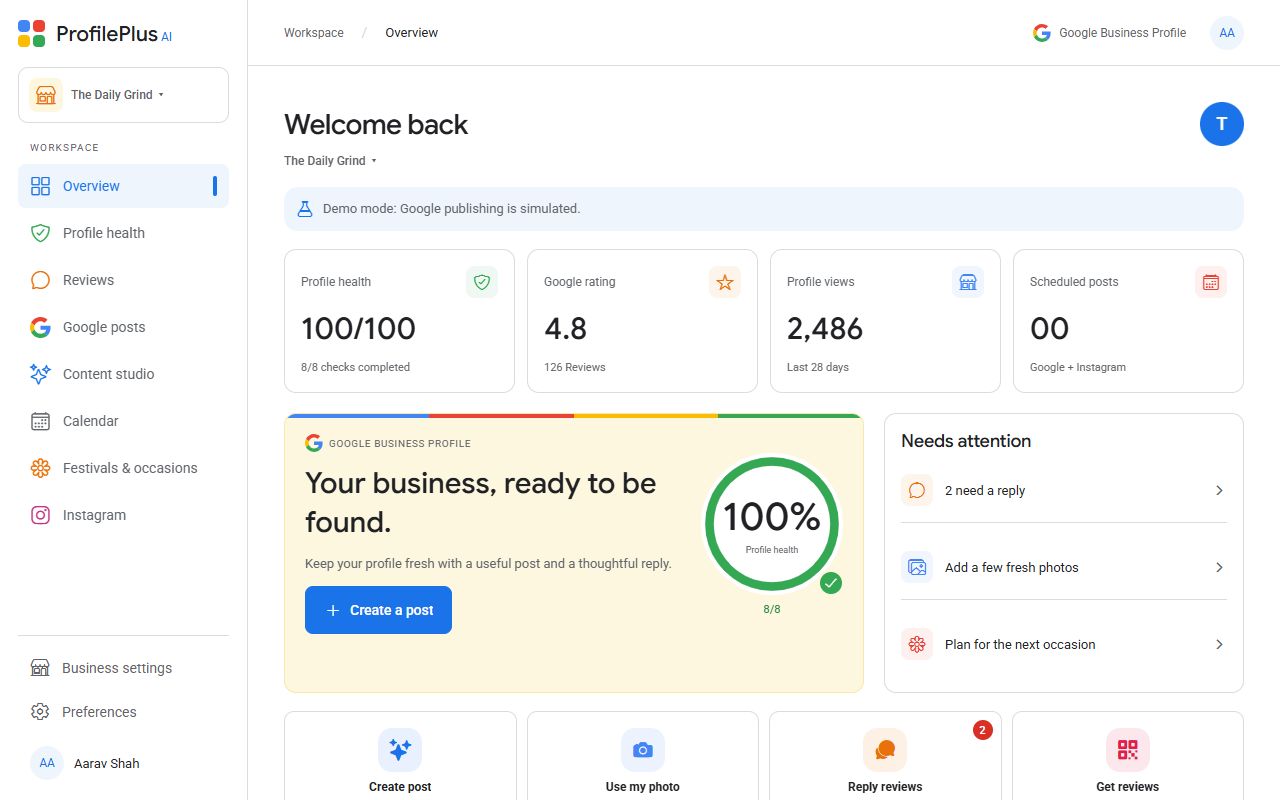
Keep Google up to date. Give reviews a thoughtful reply. Create Instagram content that feels like you.
All from one simple workspace.
A useful post. A thoughtful reply.
Such a lovely spot for a coffee break. The team made us feel right at home.
Thank you, Meera! We’re glad you enjoyed your coffee break at The Daily Grind. We look forward to welcoming you again.
A good cup and a warm welcome await you at The Daily Grind. Drop by for a freshly brewed coffee.
CALL TO ACTIONLearn more DESTINATION Google Business ProfileFreshly brewed coffee, a warm welcome and a moment to slow down. See you at The Daily Grind.
#CoffeeBreak #LocalCafeUnanswered reviews. A quiet profile. Another “what should I post?” moment. Bring them together, and take the next small step.
See what you can doSet up the basics once. Then focus on the useful update in front of you.
Sign in with Google and connect your Instagram professional account. Choose the business you want to manage.
Add your logo, colours and business details. Your next design already has a head start.
Choose artwork or a business photo. Ask AI for a caption or reply, then edit it to sound like you.
Check the image, copy and destination. Publish supported content or choose a time to schedule it.
Clean on your desktop. Comfortable in your hand.

Illustrative business routines, so you can picture how it fits your day.
A fresh menu photo sits in the camera roll. Holiday hours are easy to forget.
A happy customer leaves a review. A new service needs an introduction.
Customers need clear service details. The team is too busy to keep writing posts.
These are example workflows, not customer testimonials or measured results.
When someone finds you, they should see accurate details, useful updates and a business that listens.
Build your 30-day routineGoogle says complete, accurate business information helps a profile match relevant local searches.
Check hours, contact details and the information customers rely on.Google’s local ranking guidance (opens in a new tab)Google posts let customers find announcements, offers and event details on Search and Maps.
Share timely, relevant updates with a useful image and a clear next step.Google’s guide to business posts (opens in a new tab)Google recommends helpful review replies and photos that show what your business offers.
Answer genuine reviews thoughtfully and keep real business photos current.Google’s profile recommendations (opens in a new tab)Regular posting supports a useful, current profile. Search position also depends on relevance, distance and prominence. No posting frequency guarantees a ranking.
A first draft should save you time and still sound like your business. Edit the words, check the details and approve the final version. Your voice stays in the conversation.
A little clarity before you get started.
You choose what to approve. AI creates editable drafts; it does not decide what to publish. Content you explicitly schedule can publish at the time you select.
Start with available artwork or your own photo, then use your saved brand kit and a simple frame. Preview the result and edit the copy before choosing a destination.
No. Google says local results depend mainly on relevance, distance and prominence. Complete business information, helpful replies and relevant updates are useful habits. Their effect varies by business.
Direct publishing uses Instagram Business or Creator accounts and requires authorization. You can also prepare an image and caption for manual posting.
Open the app to explore available access, or contact us about the pilot. Connect only the business accounts you are authorized to manage.
Start with one helpful reply, one useful post or one detail worth fixing.